 ChatJump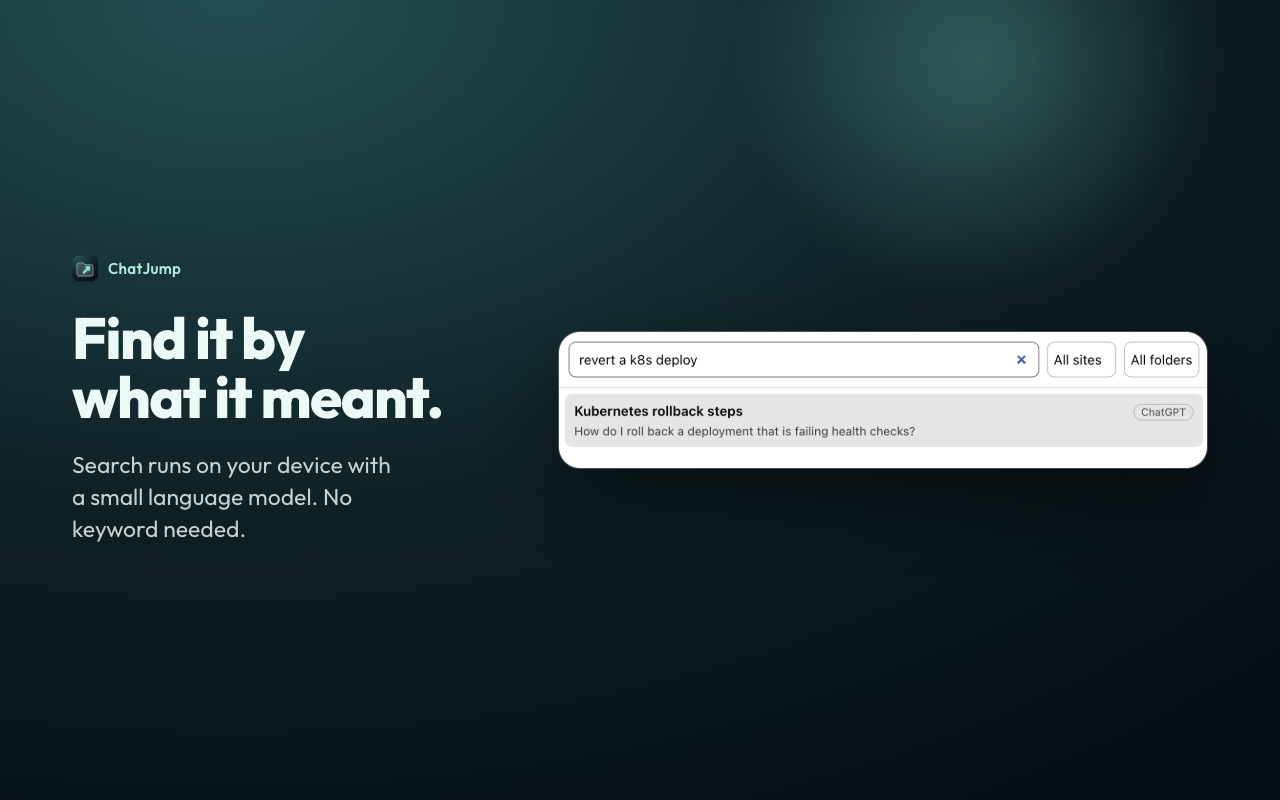
Find it by what it meant
A small language model runs inside the extension, so a query like "revert a k8s deploy" finds the chat about rolling back a deployment.
Search by meaning, file in folders, export anything. Everything stays on your device.
Add to Chrome, free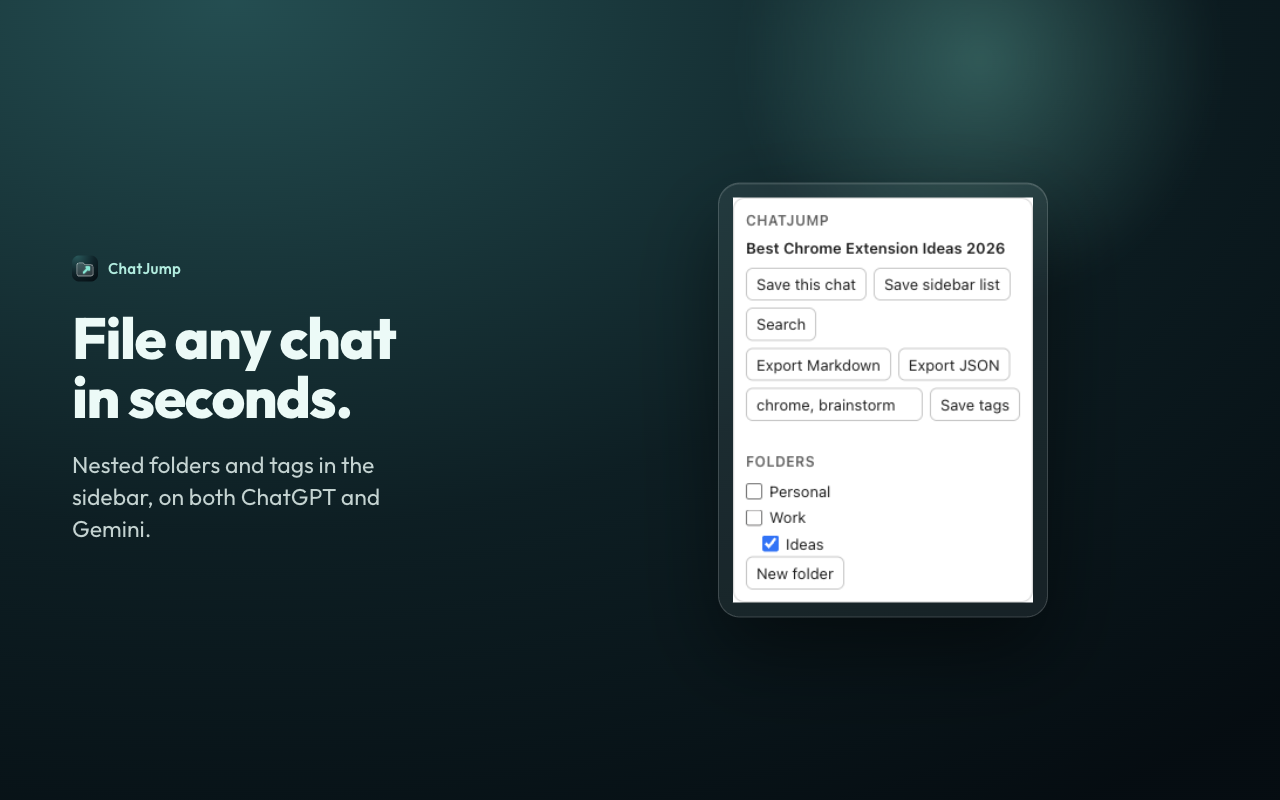
A small language model runs inside the extension, so a query like "revert a k8s deploy" finds the chat about rolling back a deployment.
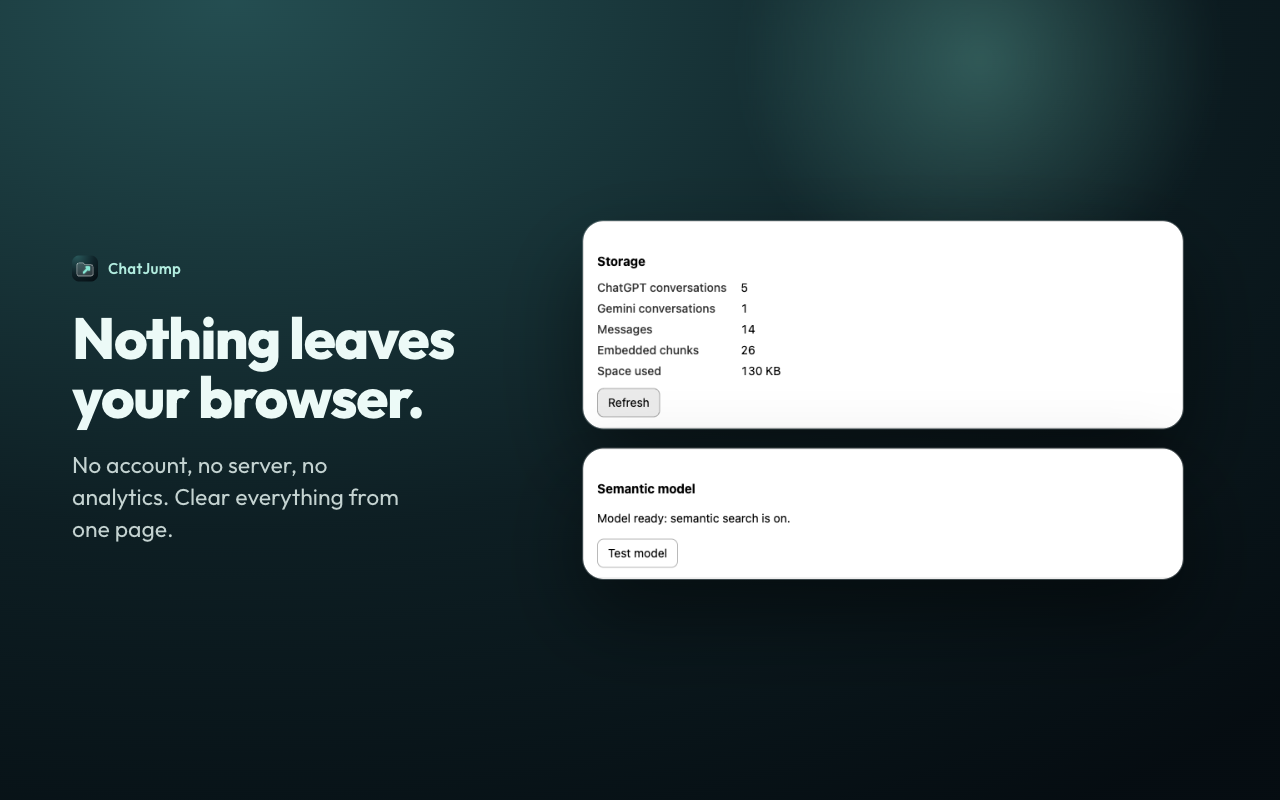
No account, no server, no analytics. The options page shows exactly what is stored and clears it in one click.
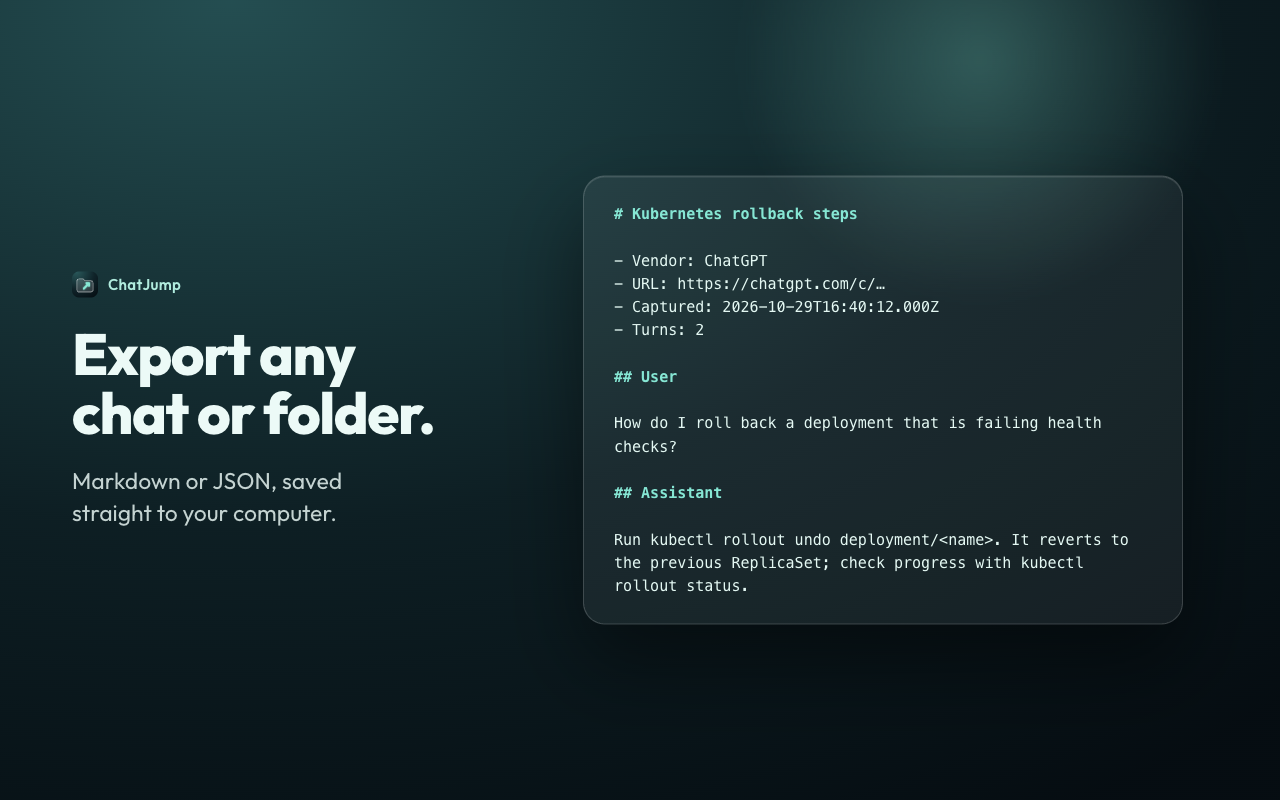
Markdown or JSON, saved straight to your computer. A folder exports as one file.
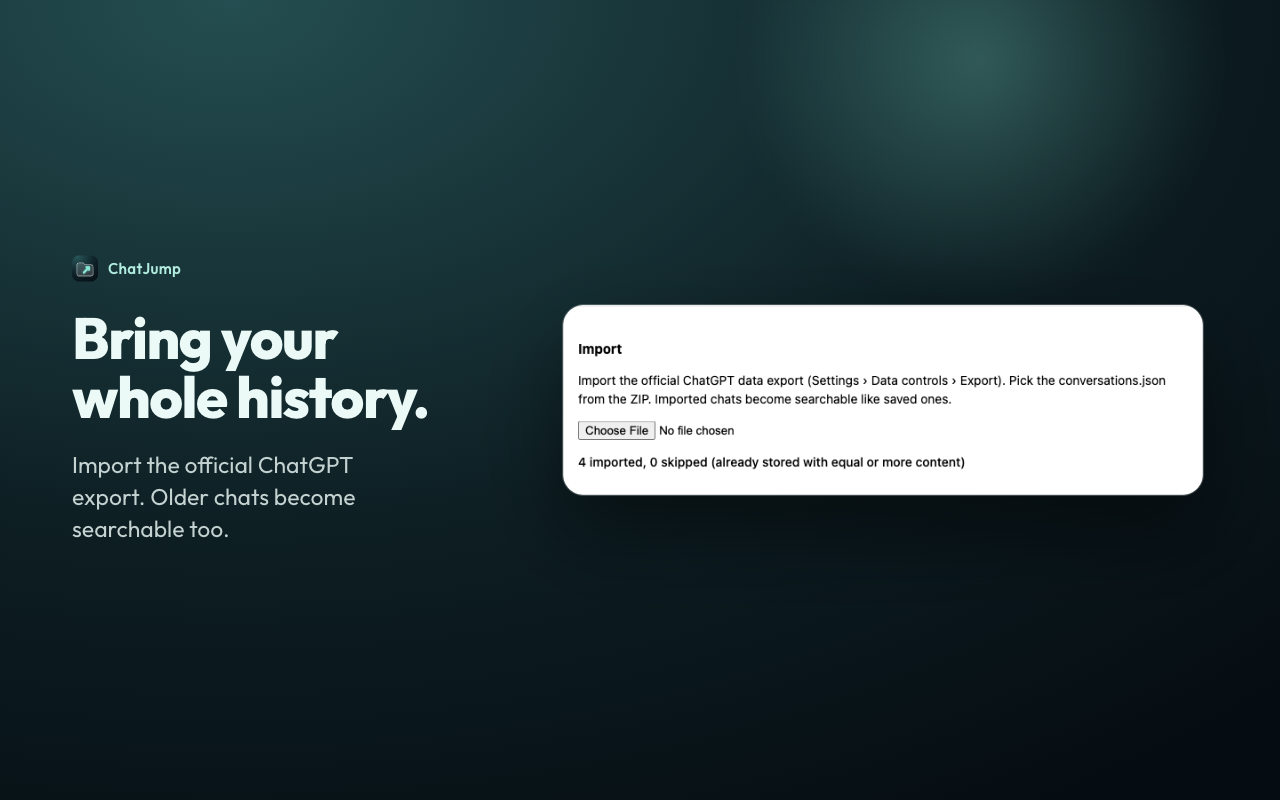
Import the official ChatGPT data export and older conversations become searchable too.
ChatJump adds a small panel to the sidebar on chatgpt.com and gemini.google.com. When you press "Save this chat", it reads the conversation the page is already showing you and keeps it in the extension's own storage on your device. It never signs in on your behalf and never calls ChatGPT or Gemini servers.